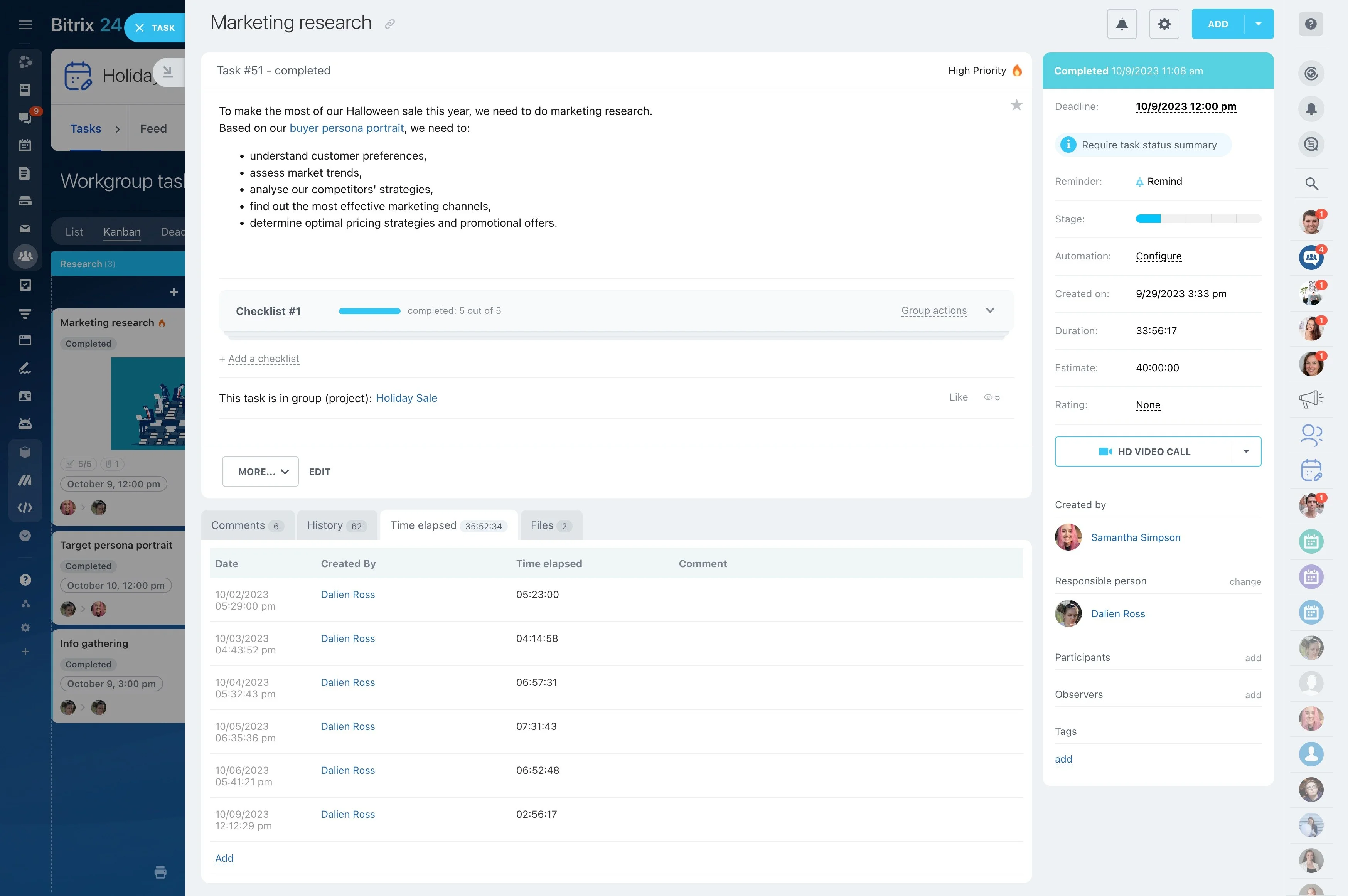
Starting project management in Bitrix24 is easier when you build the workspace in the order your team will use it. Create a project group, add the first tasks and owners, choose a practical view, and place key dates on the calendar.
Once the basic workflow is clear, add automation for predictable follow-up actions and use reports for regular reviews. This step-by-step setup gives your team a manageable starting point without requiring every project option to be configured at once.
Turn the setup into a routine
Agree on a simple rhythm for using the project workspace. Everyone should know where to create tasks, how to update progress, when to check dates, and who reviews the project.
Record the sequence as a short internal checklist. Reuse it for future projects, adapting the views, automation, and reporting to the work involved.
Schedule deadlines and milestones
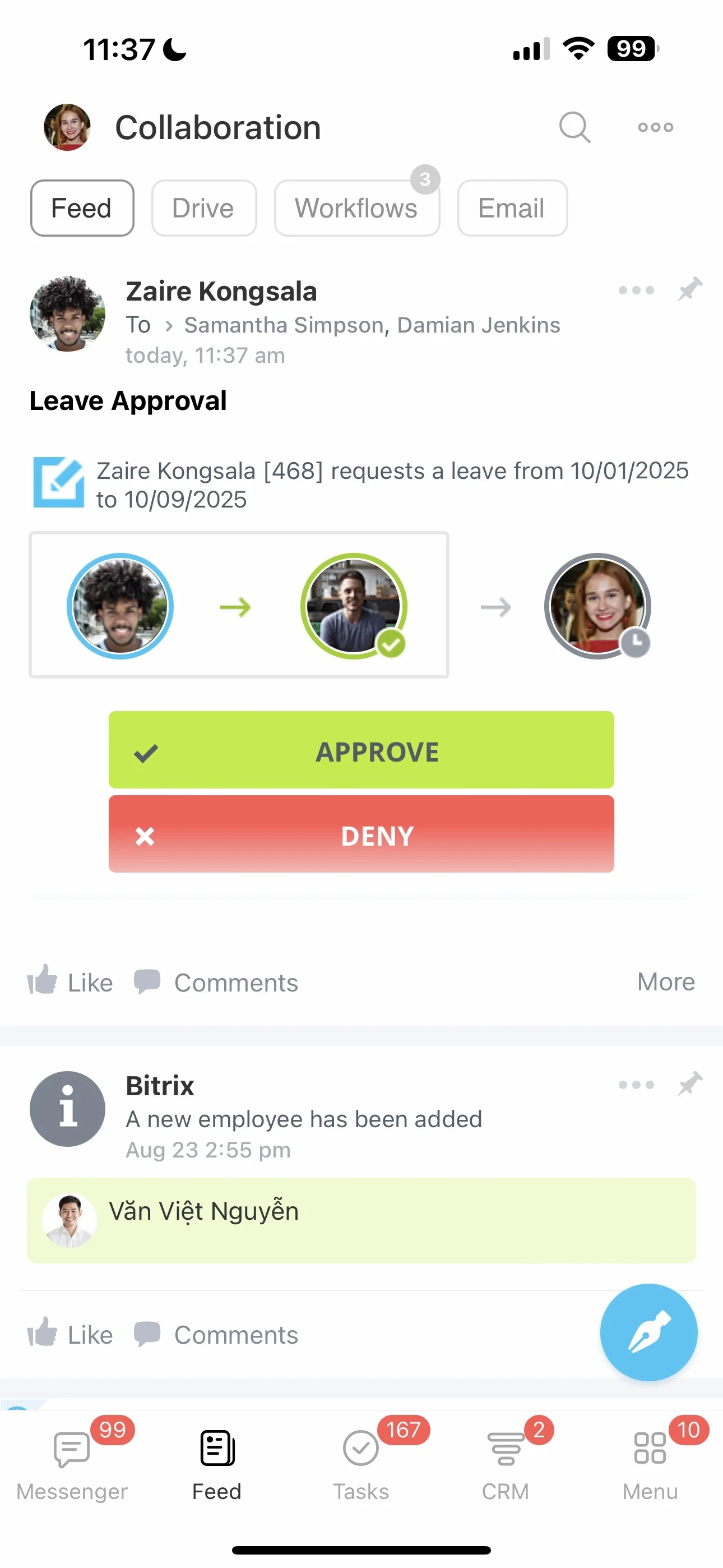
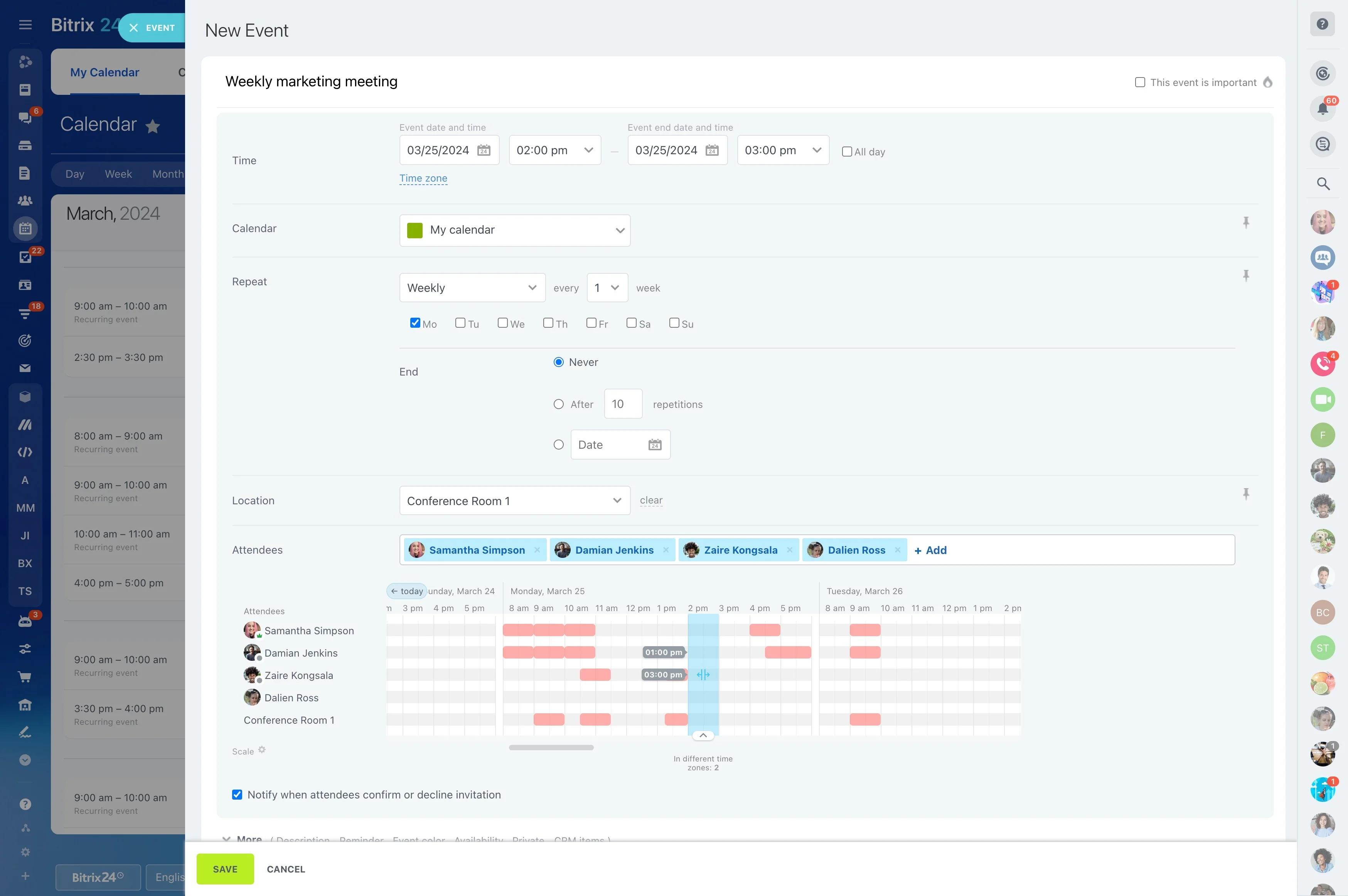
Place important task deadlines and project milestones on the calendar. Compare them with meetings, reviews, launch activities, and other fixed events that can affect delivery.
Use this calendar check during planning to spot crowded periods and confirm which dates require coordination between team members.
Create the project workspace
Create a dedicated group for the project and give it a name the team will recognize. Add the people responsible for planning, delivery, review, or approval, then confirm who coordinates the work.
This establishes the project’s working space before you begin assigning tasks or discussing deadlines.
Define the first tasks
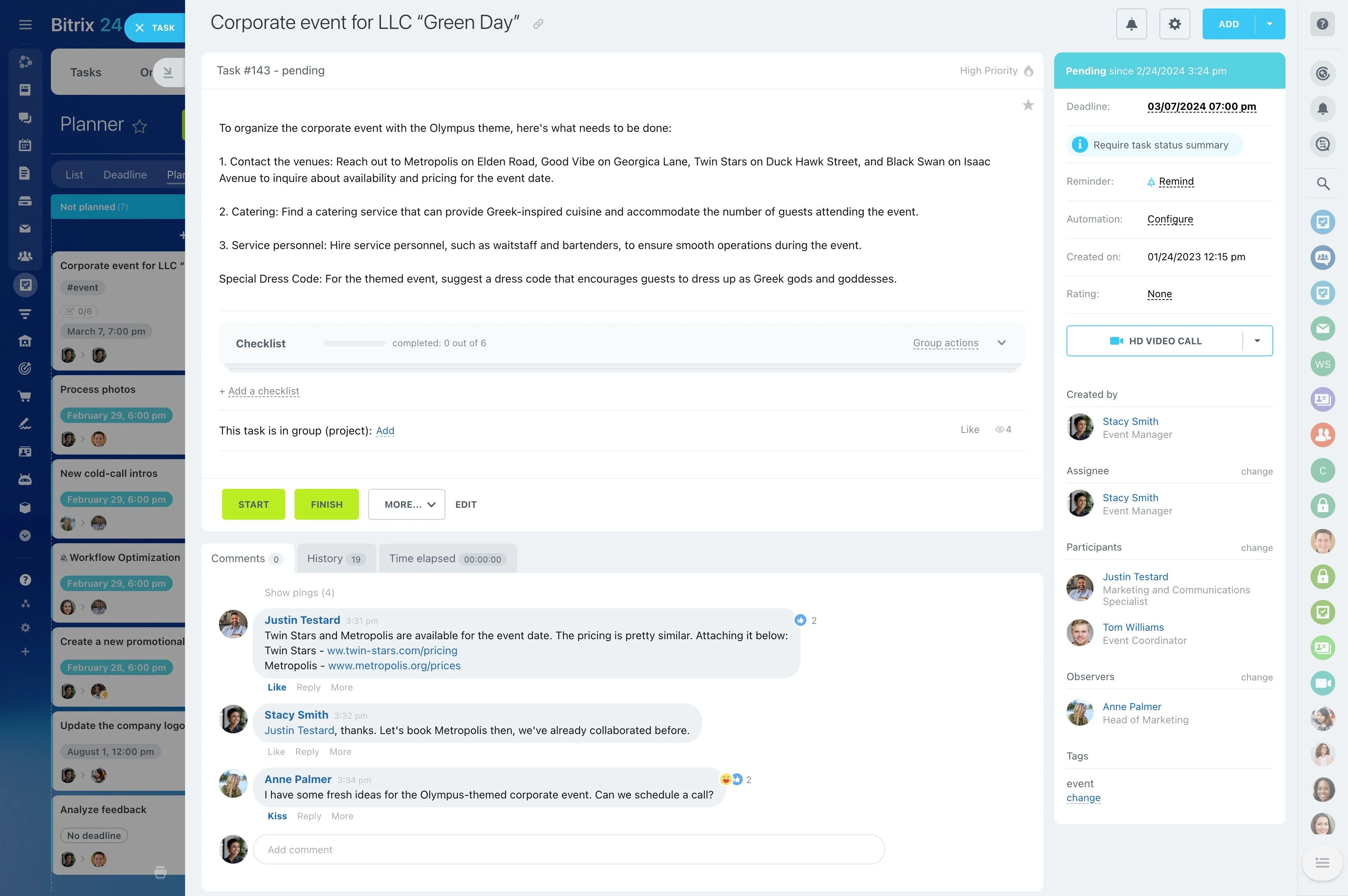
Break the next stage of work into tasks with clear outcomes. Give each task one responsible person, add a due date when timing matters, and include a checklist when the work has several steps.
- Use action-based task names.
- Assign one owner per task.
- Describe the expected result.
Select a practical task view
Choose the view that matches how your team reviews work. A list can suit straightforward planning, while a visual view can make stages and priorities easier to discuss.
Use one primary view for daily updates, then adjust its structure after the team has added enough tasks to reveal what is ready, active, waiting, or complete.
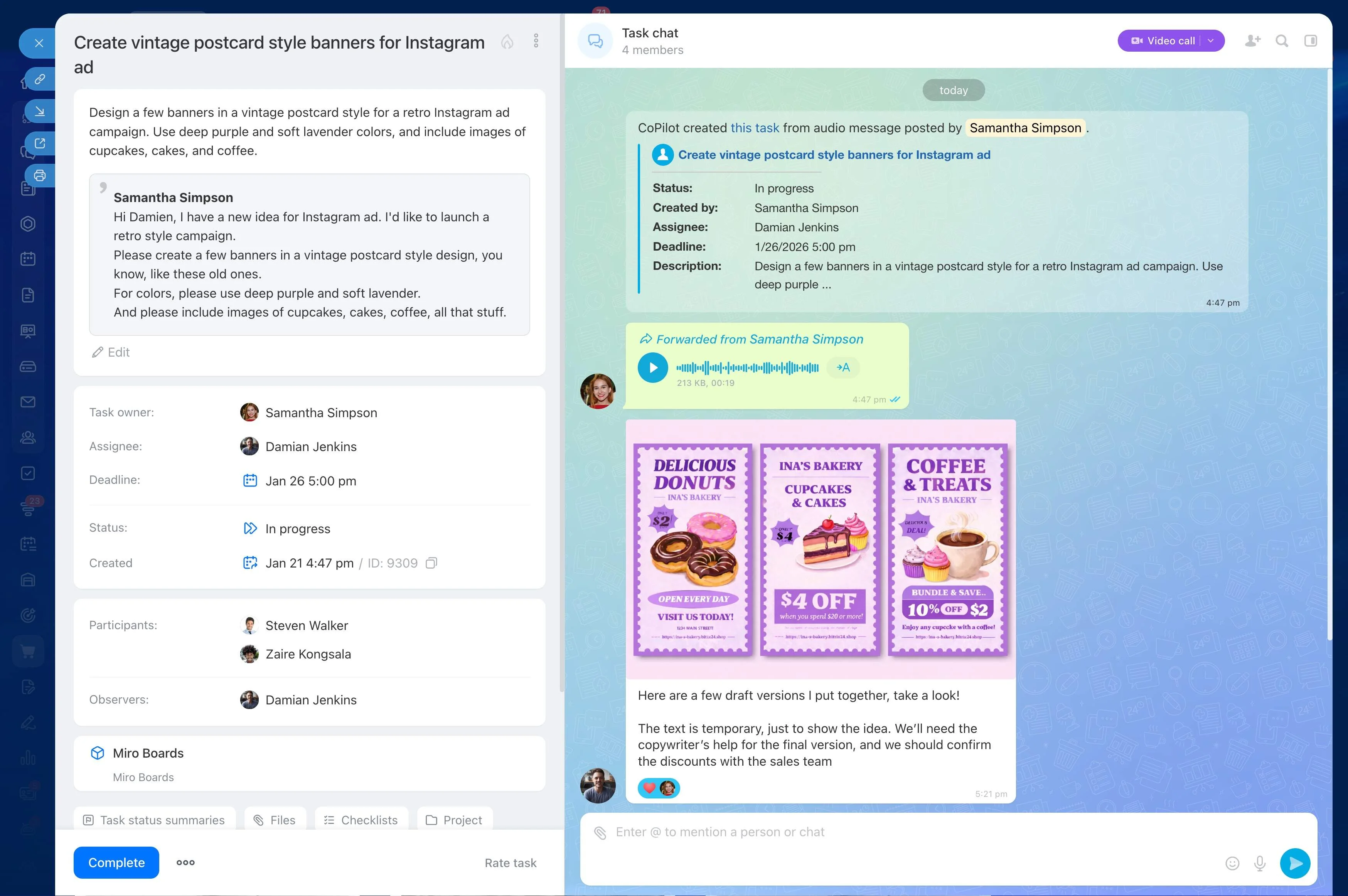
Automate predictable follow-up
Add automation only after the basic task flow is understood. Start with a repeated action triggered by a clear condition, such as moving work forward after completion or prompting the next person.
Keep the first rules limited, test them on a small part of the project, and explain to the team what each status change or follow-up action does.
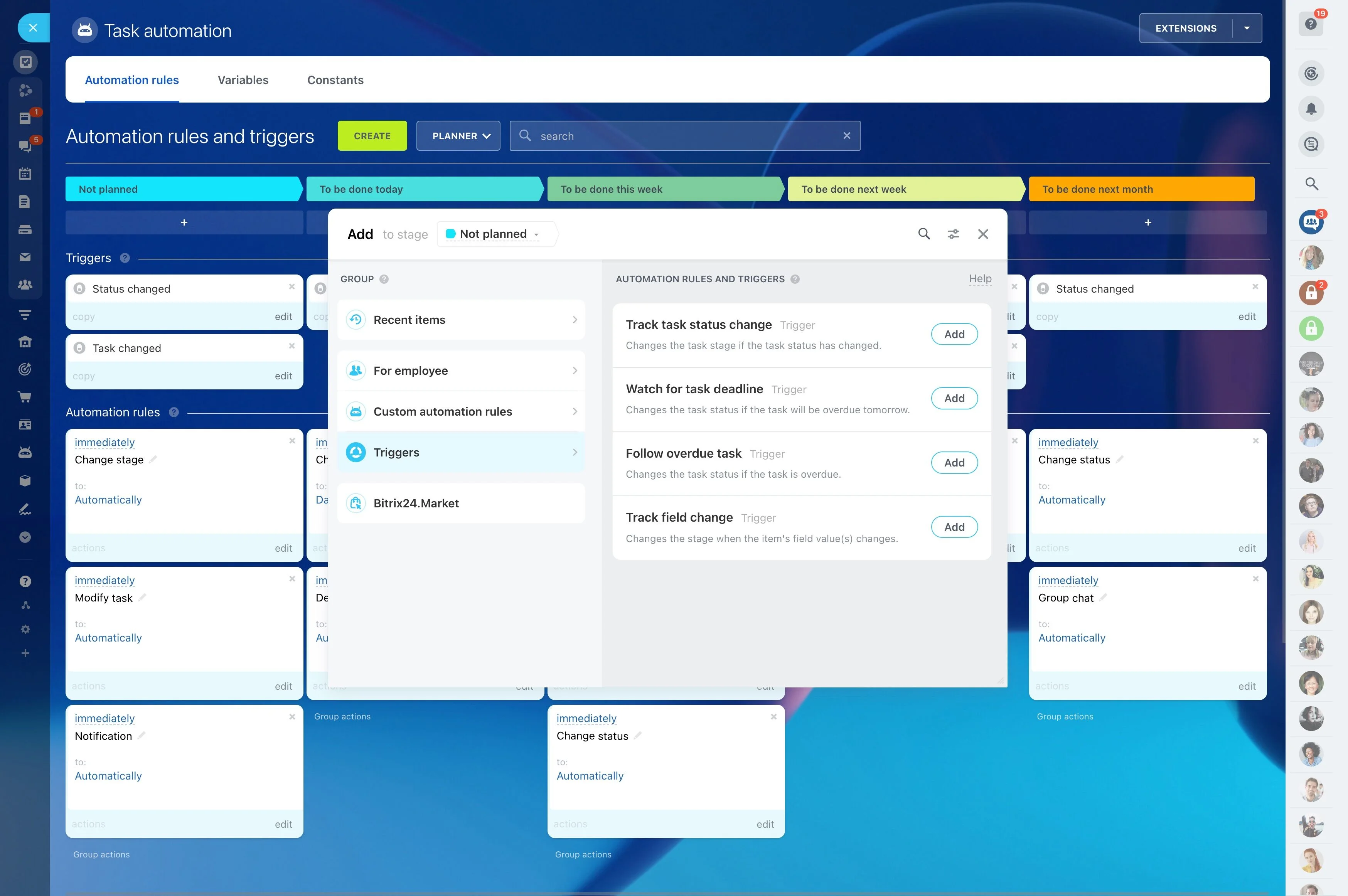
Review progress with reports
Use reports to look beyond individual task updates. Check completed and active work, then look for dates or ownership that need attention.
Turn each review into a decision, such as reassigning work, revising a deadline, or confirming the next milestone. This keeps reporting connected to project planning.